BestTypist / Typing game
A free typing game you will want to play again
BestTypist is a typing game in your browser. Type a passage before the clock runs out, keep your combo alive, and see exactly how far you are from the next player on the leaderboard. Every run ends with a new target to beat.
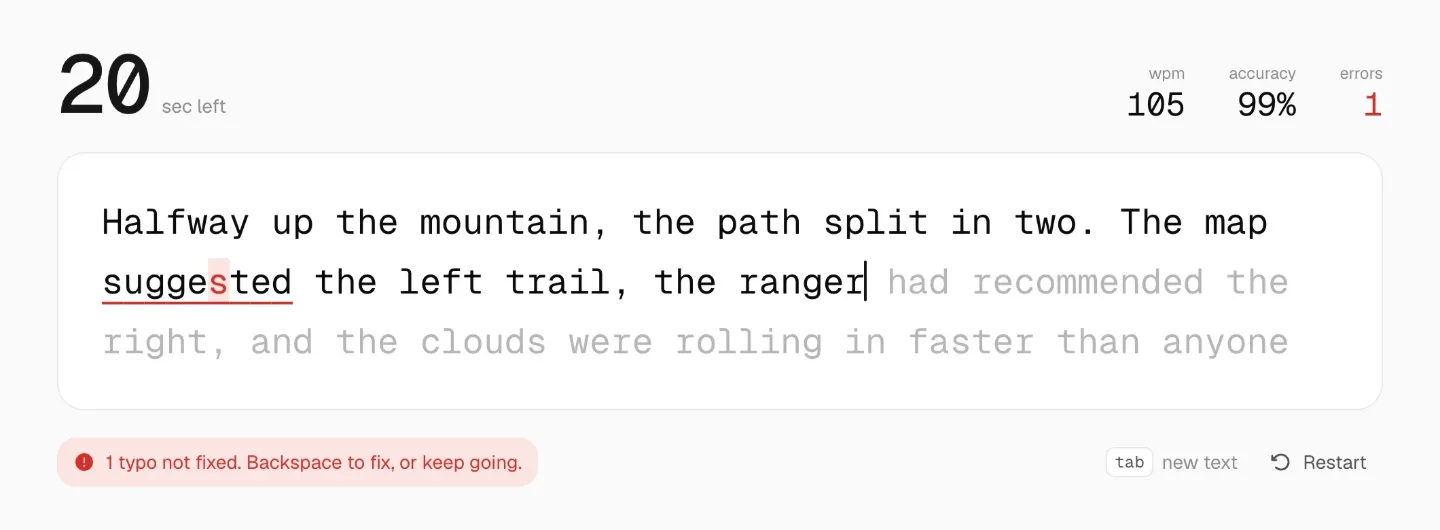
How the typing game works
- Pick what to type. General text or one of eight themed kinds, a level (Easy, Hard or Amazing) and a length: 30 seconds to 5 minutes, or 10 to 100 words.
- Start typing. The clock starts on your first key. Correct letters turn solid, mistakes turn red, and a combo counter grows with every clean key.
- See where you stand. When time is up you get your speed, accuracy, your place on the board, the gap to the player above you, and the badge you are closest to.
- Go again. Press Enter to try again. The game sets a small, reachable target for your next run, and says "Called it" when you hit it.
Two ways to play
Typing contest
The classic typing test, played for a score. Choose your text, level and length, and type as fast and as cleanly as you can. Your best run on each board counts.
Rush
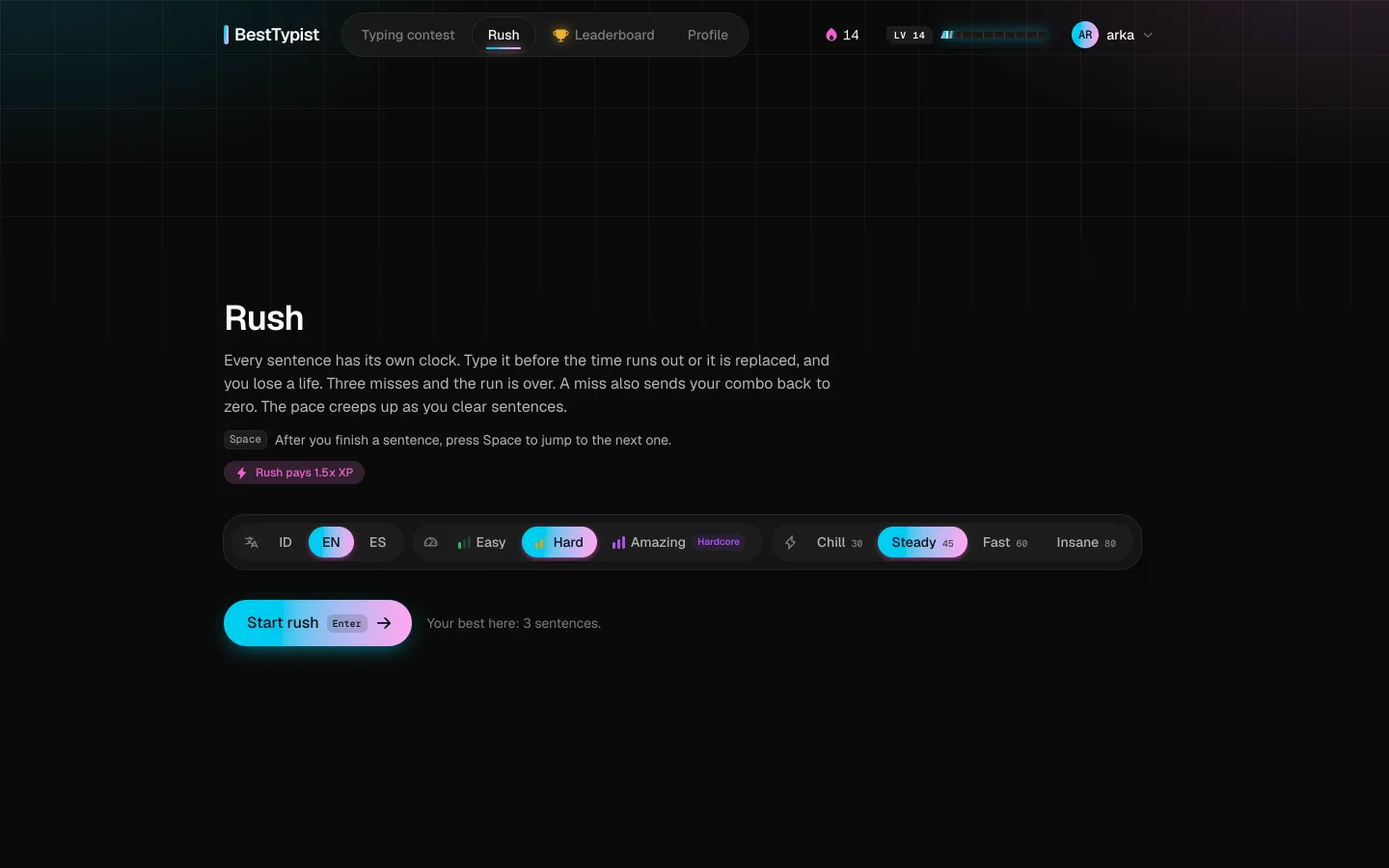
A faster, arcade style mode. Every sentence has its own clock. Clear it before time runs out or you lose one of three lives. The pace creeps up as you clear sentences, and a miss resets your combo. Rush pays 1.5 times the XP.
Leaderboards that are actually fair
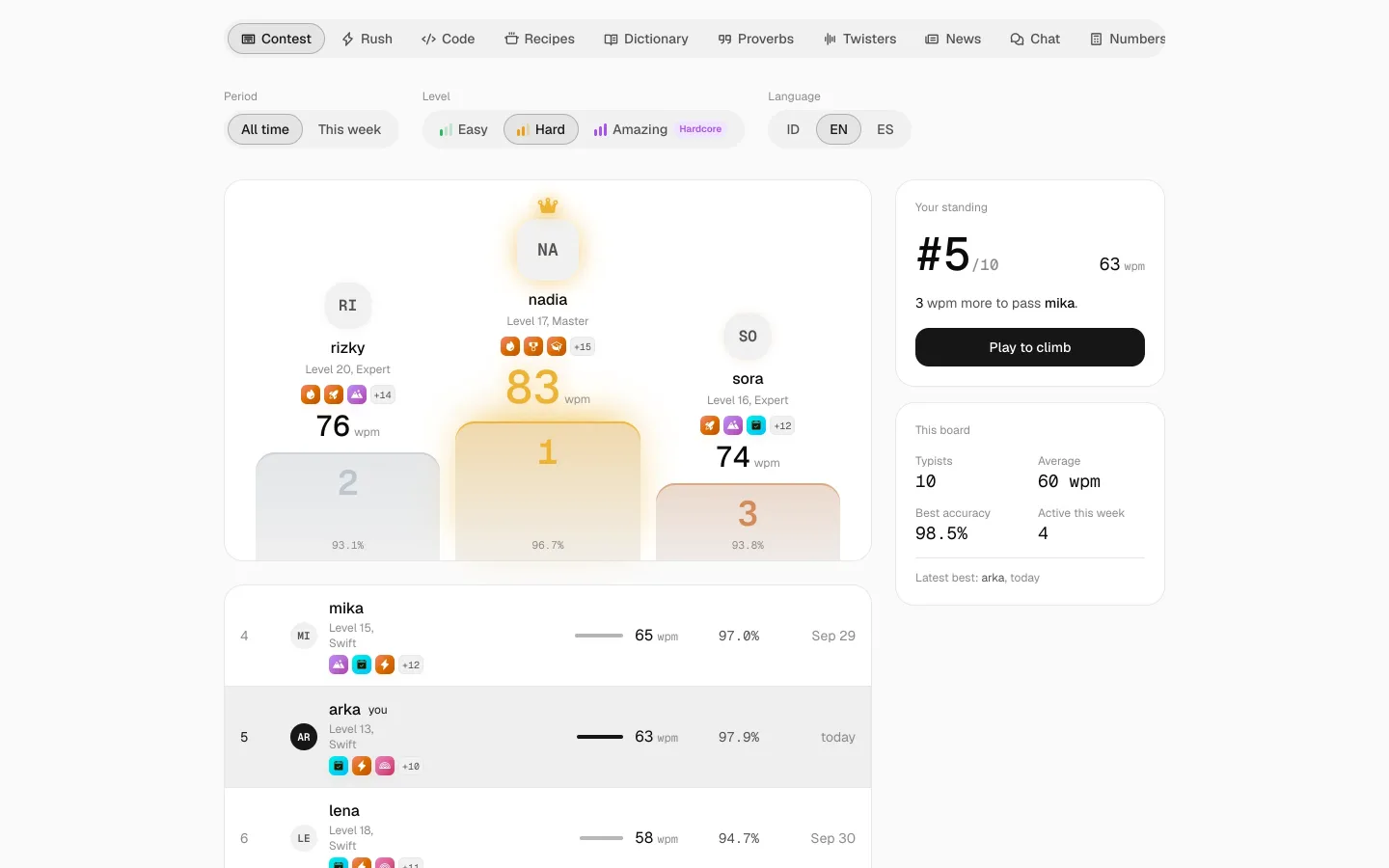
A fast run on easy text should not beat a slower run on hard text, so every board compares like with like: one mode, one level, one language. There is an all time board and a weekly board that starts fresh every Monday, so a new player can lead too.
- Your standing tells you your rank and how many words per minute you need to pass the next player.
- Shared boards let a class, an office or a group of friends race each other. Make a board, share the code or link, and everyone who joins lands on it.
- Guests can post a short tag. Sign in with Google to show your name, level and badges.
Levels, ranks and more than 50 badges
Every run earns XP, and XP raises your level. Levels unlock free extras such as theme colors, caret styles and titles. Your rank is separate: it comes from your average speed over your last ten contest runs, adjusted for difficulty, and runs from Novice to Legend.
| Rank | Average speed |
|---|---|
| Novice | under 25 wpm |
| Apprentice | 25 wpm and up |
| Typist | 40 wpm and up |
| Swift | 55 wpm and up |
| Expert | 70 wpm and up |
| Master | 85 wpm and up |
| Grandmaster | 100 wpm and up |
| Legend | 120 wpm and up |
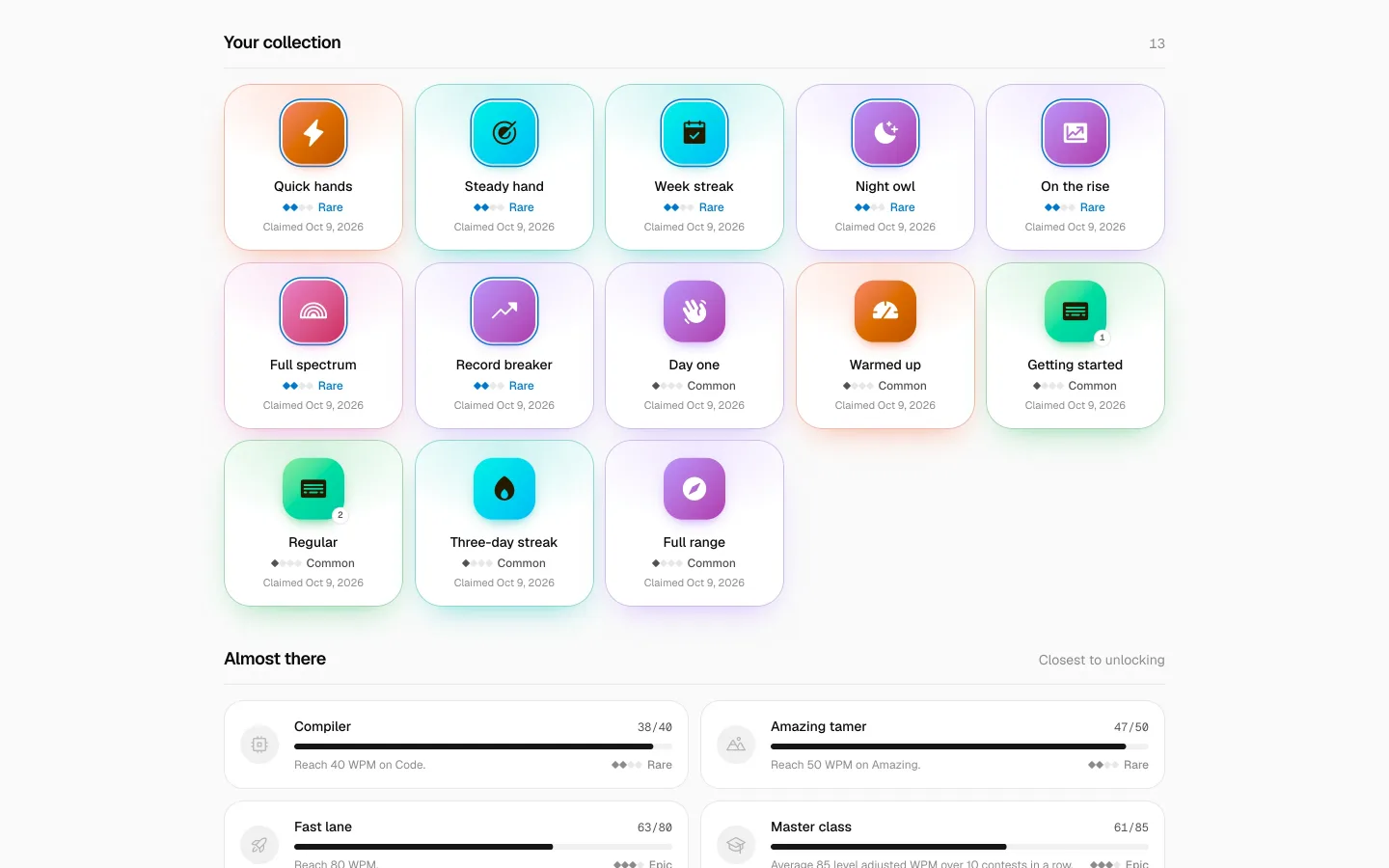
Badges go from easy firsts to rare Legendary ones that only the best typists earn. You claim them on your profile, and the rarer the badge, the more XP it pays.
Nine kinds of text, three levels each
Typing the same sentences gets boring, so BestTypist has nine kinds of text, each with Easy (lowercase, no punctuation), Hard (capitals and punctuation) and Amazing (numbers, symbols and tough words):
- General: everyday passages.
- Code: real snippets full of brackets and symbols. The hardest one.
- Numbers: dates, prices and codes for the number row.
- Dictionary: rare words and their meanings.
- News, Chat, Recipes, Proverbs and Twisters for variety.
Each kind and level has its own leaderboard, so you can be the best at Code without being the fastest at everything.
Questions
Is the BestTypist typing game free?
Yes. Every mode, level, leaderboard and badge is free. There are no ads and nothing to download.
Do I need an account to play?
No. You can play as a guest right away. Sign in with Google to keep your XP, level, rank and badges and to appear on the leaderboards with your name.
Which languages can I type in?
English, Indonesian and Spanish. Code and Numbers are the same for everyone.
How is my score worked out?
Your score is net words per minute: correctly typed characters divided by five, per minute. Accuracy is shown next to it, and mistakes you leave in do not count.
Can I play the typing game with my class, team or friends?
Yes. Create a shared board, send the code or link, and everyone who joins appears on the same leaderboard.